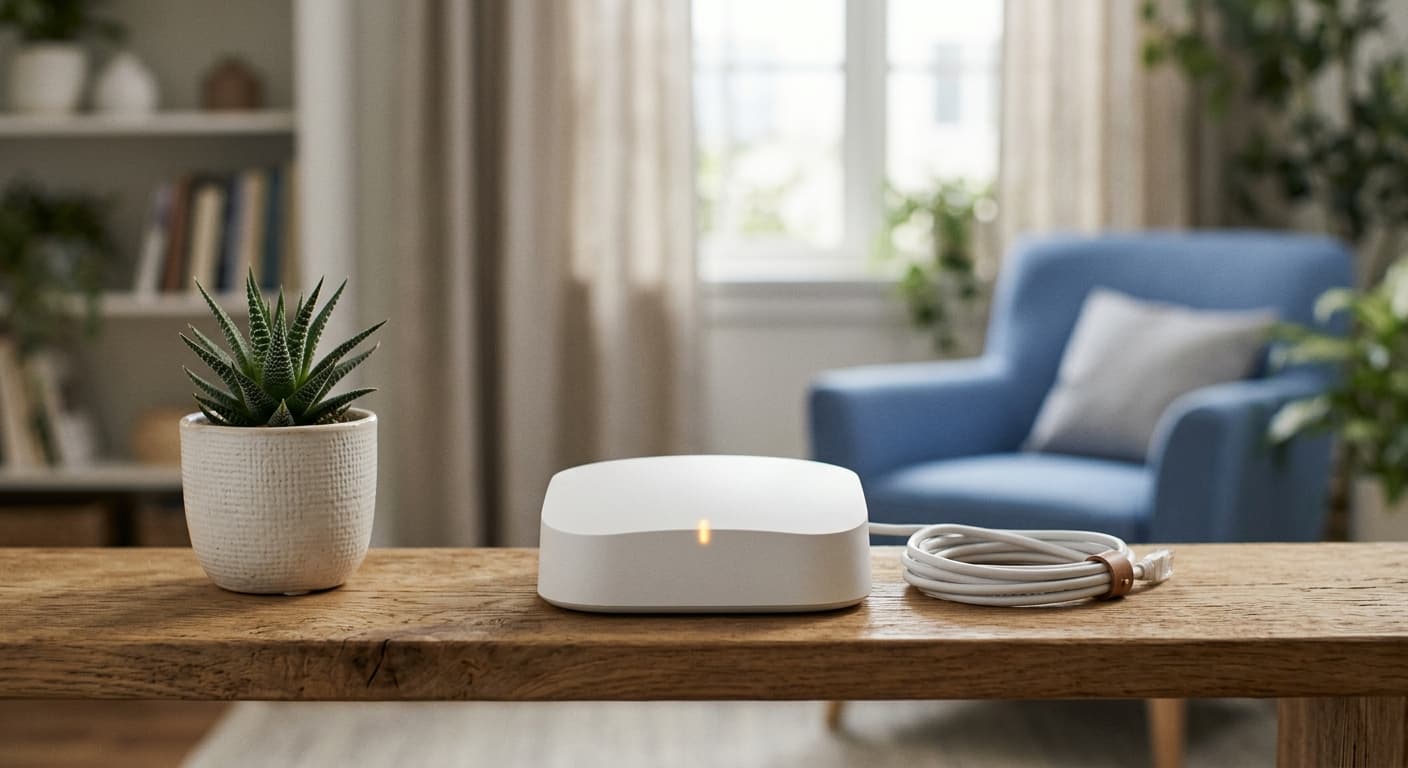
Verification Status: This article is an explanation based on publicly available information (no actual use or trading by the editorial team).
For Those Who Struggle with Internet Every Time They Move

Image source: cloud-wi-fi.jp (official website) — cited for review identification purposes
What Kenta Tanaka was looking for was an internet connection that could be "used immediately," "required no hassle," and "could be contracted only when needed." The trouble of scheduling installation appointments for fiber optic lines or checking with the landlord whether a new property was compatible was unbearable for someone constantly chasing work deadlines.
That's when he stumbled upon "Cloud WiFi" on social media. It required no installation—just plug in the device and start using it immediately—with no contract commitments or cancellation fees. On multiple review sites, comments like "perfect for short-term use" and "affordable rates" stood out. For a freelancer who moves frequently, it seemed like the ideal solution.
Cloud WiFi is a pocket WiFi service with cloud SIM support operated by Nitchi Company. It automatically switches between the three major carriers—docomo, au, and SoftBank—covering a wide area with a single device. Best of all, with no contract commitments, it's easy to "just give it a try." Tanaka thought, "This might be just the thing to bridge the gap until my next move," and decided to look into it more seriously.
Cloud WiFi Basic Specs and Pricing Plans Explained
Tanaka first checked the pricing and plan breakdown. Cloud WiFi offers four plans based on monthly data capacity. The monthly fees are as follows, all positioned in the low-price range for pocket WiFi devices.

| Plan Name | Monthly Data Capacity | Monthly Fee (tax included) |
|---|---|---|
| 10GB Plan | 10GB | ¥1,738 |
| 20GB Plan | 20GB | ¥2,178 |
| 50GB Plan | 50GB | ¥3,278 |
| 100GB Plan | 100GB | ¥4,378 |
Note that an initial administrative fee of ¥4,950 is charged separately, and the device cost is paid in installments. Additionally, since contracts started mid-month are not prorated, multiple comparison sites point out that it's wise to select "start next month" on the application form.
The device provided is the new model "AIR-0," introduced in the 2026 renewal. Due to the nature of the Cloud SIM, communication speeds vary depending on location and time of day, but the system is designed to maintain relatively stable connections even in areas where a specific carrier is weak by automatically selecting from three carriers' networks. Optional services include the "Cloud Peace of Mind Service" (¥660/month), which covers device replacement in case of breakdown, damage, water damage, theft, or loss, and the ad-blocking service "AdGuard" (¥605/month).
Tanaka considered his own usage, thinking, "The 10GB plan is ¥1,738 a month. If I'm not watching a lot of videos, it might be enough for work emails and research," as he continued his evaluation.
Cloud WiFi Pros and Cons from User Reviews
Tanaka was drawn in by the low price, but he wanted to hear from actual users, so he browsed several review sites to check the reputation. What he found was a clear divide in opinions.
The most commonly cited advantages were, as expected, "no contract lock-in" and "low cost."
Since there's no fixed contract period, it's ideal for short-term use. (Source: A pocket WiFi comparison site)
It's convenient that it works overseas too. I think it offers good value for money. (Source: Another WiFi information media outlet)
The fact that it can be used in 134 countries without any extra steps is also praised by frequent travelers and business trip users. Combined with the ease of use—no installation required—it seems to have established itself as a "hassle-free pocket WiFi you can sign up for anytime."
On the other hand, the most prominent downside is "unstable connection speeds."
The low price and no lock-in are great, but the speed is frustratingly slow. (Source: A review aggregation site)
There are places where it doesn't connect. It wasn't as good as I expected. (Source: Same as above)
Additionally, the fact that prorated charges don't apply for mid-month sign-ups and that the device must be returned upon cancellation were also pointed out as inconveniences and extra costs. Some users also mentioned that the device specs are inferior to those of competitors.
Tanaka thought, "The price and convenience are definitely there, but the speed is a concern," and decided to move on to the next step: comparing Cloud WiFi with competing services.
Nyanco WiFi vs. WiMAX: Which One Is Right for You?
"So, how does Cloud WiFi really stack up against other services?" To answer this question, we compared Cloud WiFi with the popular no-contract "Nyanco WiFi" and the well-regarded "WiMAX" across key criteria.
| Comparison Criteria | Cloud WiFi | Nyanco WiFi | WiMAX |
|---|---|---|---|
| Monthly Fee (Lowest) | From ¥1,738 | From ¥1,980 (*) | From ¥4,000 range (*) |
| Data Capacity | 10GB to 100GB | Varies by plan | Effectively unlimited (*) |
| Contract Term | None | None | Yes (varies by plan) |
| Connection Stability | Average (highly dependent on environment) | Average (highly dependent on environment) | Relatively stable |
| Overseas Use | Available in 134 countries | Available (*) | Not available (*) |
| Device Specs | AIR-0 | Various carrier devices | Various carrier devices |
(*) Figures are approximations based on publicly available information from each company's official website. Details are subject to change, so please check the latest terms.
Cloud WiFi and Nyanco WiFi are quite similar, both using cloud SIM technology with no contract terms. In terms of pricing, Cloud WiFi is slightly cheaper, but actual speeds vary greatly depending on the usage environment, so it's hard to say definitively which is better. On the other hand, WiMAX has higher monthly fees and contract terms, but offers greater connection stability, making it a popular choice for people who prioritize speed for video streaming or online gaming.
In short, Cloud WiFi is best for those who "want to keep monthly costs as low as possible," "only need it for a short period," or "want to use it overseas." It's a perfect fit for people like Tanaka who need temporary internet for a move or want to try a low-cost option first. Conversely, if stable, high-speed communication is an absolute must, you should consider other options like WiMAX. However, since Cloud WiFi requires no installation, has no contract term, and even offers a free demo environment to test it out, you can easily check the speed in your own environment.
How Fast Is Cloud WiFi Really? Let’s Clear Up Your Concerns
The most common complaints in user reviews are about speed being "too slow" or "not connecting." This was also the issue that held Tanaka back the most. As a freelancer, he wanted to avoid any situation where his connection might drop during a video call with a client.

The root of this concern isn’t unique to Cloud WiFi—it applies to all pocket WiFi devices, which operate on a best-effort basis. Speed is heavily influenced by your usage environment: distance from the base station, building structure, and network congestion during peak hours. One review aggregation site reports that "there are especially many complaints about slow or unreliable connections," but this likely reflects experiences concentrated in specific locations or times of day.
On the other hand, there are just as many comments praising satisfaction with pricing and contract terms. It’s also true that many users rate the cost-performance as good, as long as you don’t have overly high expectations for speed.
If you’re worried about speed, the smart move is not to start with a high-capacity plan, but to test a low-capacity plan (10GB or 20GB) first and check the actual speeds in your daily environment. Since Cloud WiFi has no long-term commitment, you can easily cancel if the speed doesn’t work for you. Tanaka also made up his mind: "I’ll start with a 10GB plan, and if there are no problems, I’ll just keep it."
How to Apply for Cloud WiFi and Start Using It
After careful consideration, Tanaka finally decides to apply. The process is surprisingly simple, and there is absolutely none of the "waiting time for installation" that he dreaded most.
- Apply on the official website: First, visit the official website and click the apply button.
- Enter the required information: Select your desired plan and enter your customer details such as name and address. Payment is made by credit card, and you can also upload your identity verification documents here.
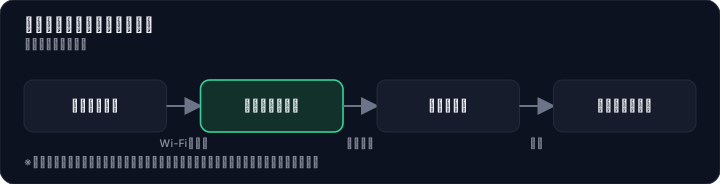
- Receive the device and turn it on: Once the device arrives, open the box and turn it on. Select the Wi-Fi network on your smartphone or computer to connect, and you'll be ready to use the internet.
You can also select optional services like "Cloud Safety Service" or "AdGuard" all at once during the application process. The application itself takes just a few minutes, and you can get online as early as the same day the device arrives. There's no need to be present for installation or to check with your landlord. That's why you can try it out without any hassle. Tanaka clicked the apply button, thinking, "Now I'm not afraid of moving again."
Summary: Who Cloud WiFi Is Best For
After struggling with internet connections every time he moved, Kenta Tanaka is now free from the "no-internet gap period" thanks to the option of Cloud WiFi. For people like him who value "no installation required," "no binding contracts," and "low cost," Cloud WiFi is the ultimate practical solution.
Cloud WiFi is ideal for the following types of people:
- Those looking for short-term use or a bridging connection during a move
- Those who want to use it casually without worrying about contract commitments or cancellation fees
- Those who want to keep monthly costs as low as possible
- Those who want to use the same device while traveling or on business trips abroad
On the other hand, it is not suitable for:
- Those who prioritize consistently stable, high-speed connections for online gaming or high-quality video streaming
- Those who use it in areas with weak mobile signals, such as basements or mountainous regions
The speed of pocket WiFi varies depending on location and time of day. Even services advertised as "unlimited" data may throttle speeds to ensure fair usage. Cloud WiFi plans also impose speed limits once the monthly data cap is exceeded. It is important to understand these characteristics and determine whether the service fits your needs.
Why not check the latest pricing plans on the official website to see if it's right for you? The fact that there are no binding contracts is Cloud WiFi's greatest strength—you can try it out with peace of mind. What's more, there are opportunities to test the device with no deposit required, allowing you to assess its performance in your own environment with zero risk.
Methodology and Disclosure
Verification Method: This article is based on publicly available information as of 2026-07-30. The editorial team has not actually subscribed to or used the services reviewed. This content is based on publicly available information (official websites, third-party reviews, and user feedback). Since services, fees, and promotions are subject to change, please check the official information before signing up.
Publisher Information: Our editorial policy and evaluation criteria are described in the Editorial Policy, and the verification process is outlined in the Methodology. Please report any errors through our contact window.
Affiliate Disclosure: This article contains affiliate links, and our site may receive compensation without additional cost to readers. Compensation does not affect the content of our reviews.
Frequently Asked Questions
Is Cloud WiFi really cheap?
Yes, starting at ¥1,738/month (with conditions), it's one of the most affordable pocket WiFi options. However, there is an initial fee of ¥4,950 plus device costs, and since there's no prorated billing for mid-month sign-ups, choosing a next-month start saves money.
Is the internet speed slow?
As a best-effort service, speeds vary by environment and time of day. Some user reviews mention it can be slow or unreliable, but the automatic switching between three carriers helps maintain a relatively stable connection.
Is it easy to cancel?
Yes, there is no contract term, so you can cancel anytime. However, you must return the device, which involves some hassle and potential costs.
Can I use it abroad?
Yes, it works in 134 countries without any additional setup. It's highly rated by frequent travelers and business travelers.
Is the device hardware good enough?
The 2026 model, "AIR-0," has been updated. However, some reviews note that its specs are lower than competing devices, so consider your usage needs before buying.
What does 'no prorated billing' mean?
If you sign up mid-month, you'll be charged the full monthly fee, not a prorated amount. To avoid this, select "start next month" in the application form.
What do I need to apply?
The article doesn't specify, but like most pocket WiFi services, you'll need ID verification and a payment method (credit card, etc.). Check the official site for details.
Is there really no contract lock-in?
Yes, there are no minimum contract periods or cancellation fees. This makes it ideal for short-term use or as a temporary solution after moving, and you can try it risk-free.
Sources
This article is based on publicly available information as of 2026-07-30.
Related articles
2026 FXTF Account Opening Guide: How to Choose a Domestic FX Broker for Free
Considering opening an FXTF (Golden Way Japan) account in 2026? Compare spreads, trading tools, and support across three key areas. This guide explains how to open an account for free and evaluate the trading environment using the actual platform.
XM No Deposit Bonus 2026: Eligible Countries List
Check if your country is eligible for the XM $30 no deposit bonus in 2026. Updated list, terms, and step-by-step verification guide.
IwaiCosmo Securities Review 2026: Honest Look at Fees and IPO Lottery Odds, Plus Zero-Fee NISA
Get the latest 2026 review of IwaiCosmo Securities. We take an honest look at their strong IPO underwriting track record, zero trading fees for NISA accounts, overall fee structure, and customer support. Compare with major online brokerages.