
Verification Status: This article is an explanation based on public information (the editorial team has not conducted actual usage or trading).
Sitting by the window at a café, Kenta Tanaka (a pseudonym) paused with his laptop open. On the screen was a project proposal for a new client he had just received. Although he was certainly connected to the co-working space's free Wi-Fi, a sudden worry crossed his mind: "Is this connection really secure?" As a freelance web designer who spends half his week working from cafés and shared offices, public Wi-Fi has become essential infrastructure for his work. However, it also means living side-by-side with the risk of passwords and client information being stolen.
Back at home, he was also concerned about strange ads starting to appear on the family computer. While he knew he needed to take some countermeasures, just looking at the settings screen for security software gave him a headache. It was then that an acquaintance told him about a service offering both a VPN and antivirus protection with unlimited device connections, sparking his interest in Surfshark Antivirus.
Conclusion: Surfshark Antivirus is ideal for those who want to easily consolidate VPN services and device protection into one solution. Its greatest appeal lies in the ability to test the service with minimal initial risk, thanks to unlimited simultaneous connections and a 30-day money-back guarantee.
Public Wi-Fi Security: Is It Really Safe?

Image source: surfshark.com (Official Site) — Cited for identification purposes in this review
Mr. Tanaka's concern, "Is this Wi-Fi safe?" is far from unfounded. While public Wi-Fi offers great convenience, it carries inherent risks: communication content may remain unencrypted, and malicious third parties could be lurking on the same network. In fact, theft of login credentials and credit card numbers via free Wi-Fi at cafes and airports is a well-documented threat within the cybersecurity industry.
The immediate solution that comes to mind to alleviate these concerns is a VPN. A VPN encrypts your traffic, preventing outsiders from snooping on your data. However, this alone cannot stop malware from infiltrating your device or prevent redirection to phishing sites. Ultimately, subscribing to and managing separate VPN and antivirus services can be cumbersome, often leading to complex configurations.
What Mr. Tanaka needed was precisely a solution that seamlessly combines both capabilities. He lacked confidence in managing multiple software installations, yet he could not afford to expose his clients' information to risk. The answer appeared in the form of "Surfshark Antivirus," offered by Surfshark, a brand renowned for its VPN services. Designed to integrate VPN functionality with device protection, this service claims to be intuitive enough for anyone to use without hesitation, even those without technical expertise. Let's first take a look at its overall structure.
What Is Surfshark Antivirus? An All-in-One VPN and Security Service
Surfshark Antivirus is a dedicated device protection service offered by Surfshark. While the VPN encrypts your internet traffic, this tool operates on a separate front, blocking malware, dangerous files, and suspicious behavior attempting to infiltrate your device. Its standout feature is the ability to manage both an internet gateway protector (VPN) and an internal device guardian (antivirus) under a single account.
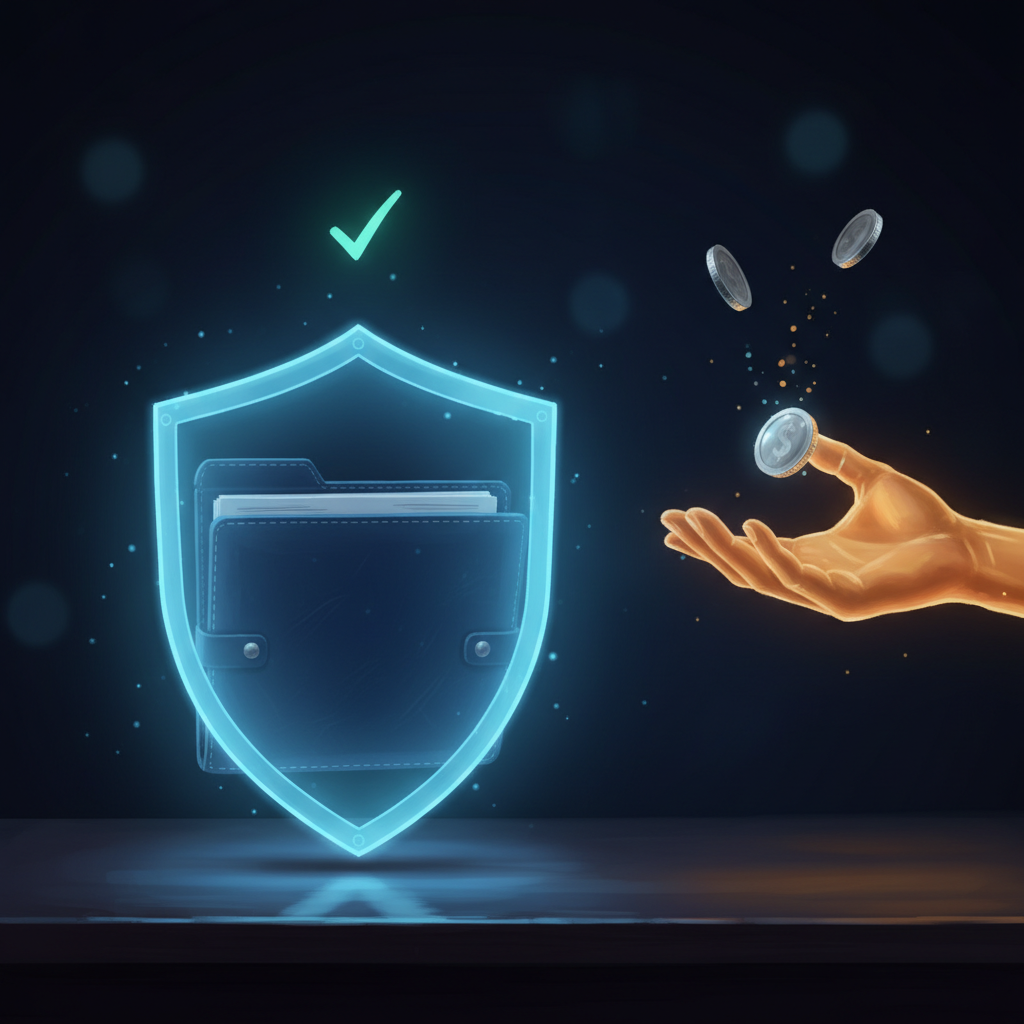
The core function of this service is real-time malware detection. It continuously monitors files and processes, blocking not only known threats but also unknown malware through heuristic analysis. Furthermore, it automatically intercepts ransomware attempts to encrypt your data and integrates with secure backup solutions. The Web Shield feature instantly blocks access to dangerous websites and phishing pages, preventing accidental clicks on suspicious links.
In terms of privacy protection, the service includes mechanisms to remove tracking cookies and ad scripts. It also features webcam protection to prevent unauthorized access, safeguarding your privacy on a physical level—especially important for remote work. Compatibility is broad, covering Windows 11, macOS Ventura, Android 13, and iOS 16, allowing you to protect everything from family smartphones to home PCs under one account.
Notably, Surfshark Antivirus has earned certification from the independent testing lab AV-TEST. According to certain security media outlets, it received a perfect score of 6 out of 6 for protection performance and another 6 out of 6 for usability. This signifies that its fundamental capabilities as security software have been validated through rigorous third-party testing. For users like Mr. Tanaka, who may feel anxious about "complicated settings," this high usability rating offers significant reassurance.
Comprehensive Breakdown of Pricing Plans and Cost-Effectiveness
Surfshark Antivirus offers two primary tiers: "Surfshark One," which bundles VPN and security features, and "Surfshark One+," which adds enhanced personal data protection. Both plans are designed to significantly reduce the effective monthly cost when committed to a long-term contract.
| Plan | Key Features | Monthly Cost (2-Year Plan) | Money-Back Guarantee |
|---|---|---|---|
| Surfshark One | VPN + Antivirus + Alert + Search | From $1.99 | 30 days |
| Surfshark One+ | All One features + Identity Theft Coverage (up to $1 million, terms apply; check official site for details) + Incogni (data removal service) | — | 30 days |
Multiple VPN comparison sites have rated the unlimited simultaneous connections available from $1.99/month (on the 2-year plan) as one of the most competitive offerings in the industry. Since there are no additional fees for protecting every family member's device, the cost-effectiveness becomes even more pronounced for household usage.
However, users should note that short-term, month-to-month contracts tend to be considerably more expensive. Even if you just want to "try it out casually," selecting a long-term plan and leveraging the 30-day money-back guarantee is the most practical approach. This guarantee allows for a full refund for any reason, effectively functioning as a free trial. For users like Mr. Tanaka who feel apprehensive about committing to an annual contract immediately, this mechanism significantly lowers the psychological barrier to entry.
You can verify the latest pricing and campaign details on the Official Website. Since discount rates fluctuate depending on the time of year, it is advisable to check the site before subscribing.
What's the Real Verdict? Analyzing Pros and Cons Through User Reviews
User feedback on Surfshark Antivirus is overwhelmingly positive. Aggregating data from multiple review sites and customer testimonials reveals high satisfaction levels. Below, we break down the key advantages and disadvantages based on actual user experiences.
| Pros | Cons |
|---|---|
| Simple setup with no complex configuration required | Support resources lack comprehensiveness |
| Easily supplements protection against malicious sites and malware | Usage restrictions apply in certain regions |
| Trust inspired by the established Surfshark brand | Japanese language support can be incomplete |
| Unlimited simultaneous device connections | Inconsistent connection stability |
| Includes a 30-day money-back guarantee | Short-term plans tend to be expensive |
| CleanWeb effectively blocks ads and trackers | Feature overlap with NordVPN and future uncertainty |
| AV-TEST scores: 6/6 for Protection, 6/6 for Usability | Feature availability varies by device |
Let's look at some actual user reviews. One VPN comparison site featured the following comments:
"Unlimited simultaneous connections: I could protect my PC, smartphone, and tablet all at once without extra charges, making it perfect for family use."
"Excellent cost-performance for long-term plans: It's affordable to start, making it ideal for those who want to try a paid VPN for the first time."
"Stable speeds: When using WireGuard, the speed felt noticeably fast, and streaming videos for daily use was largely stress-free."
These comments highlight that users highly value the service's cost-effectiveness and ease of use. However, there are also some complaints:
"Speed drops depending on the server: During peak hours, performance noticeably declined in certain regions."
"Short-term contracts are often overpriced: Using the service for just one month makes it difficult to get good value."
"Japanese support varies by case: While the website and help center are in Japanese, customer support responses may primarily be in English depending on the situation."
Issues regarding speed stability and support tend to receive mixed reviews depending on the user's environment and expectations. That said, the presence of a 30-day money-back guarantee is a significant reassurance, allowing users to test the service in their own environment before making a final decision.
Comparison with Competitors | Differences from NordVPN and Norton
To clarify the positioning of Surfshark Antivirus, let's compare it with major competing services. The comparison criteria include monthly pricing, number of simultaneous connections, availability of antivirus features, number of VPN servers, Japanese language support, and the refund guarantee period.
| Feature | Surfshark Antivirus | NordVPN | ExpressVPN | Norton | WEBROOT for Gamer |
|---|---|---|---|---|---|
| Monthly Price (Long-term) | $1.99~ | Approx. ¥420 | — | — | — |
| Simultaneous Connections | Unlimited | 10 devices | — | — | — |
| Antivirus | Yes | Yes (Threat Protection) | — | Yes | Yes |
| Number of VPN Servers | — | 7,400+ | — | — | — |
| Japanese Support | Partially available | — | — | — | — |
| Refund Guarantee | 30 days | — | — | — | — |
Note: Figures are based on publicly available information. Please check each company's official website for detailed competitor information.
Surfshark Antivirus particularly shines in its unlimited simultaneous connections and the cost-performance of its long-term plans. The ability to protect all family devices without additional fees is a significant advantage for households. On the other hand, NordVPN is often rated higher in overall capability, with some VPN comparison sites noting that "NordVPN surpasses others in speed, server scale, and support." ExpressVPN is known for its strong connectivity in China, while Norton is supported by families as a top-tier, standard security solution with a leading global market share. WEBROOT for Gamer is characterized by its lightweight design, catering to users who do not want to compromise performance while gaming.
Ultimately, Surfshark Antivirus is ideal for those looking to deploy both a VPN and antivirus at a low cost for use by the entire family. If you prioritize maximum speed and robust support, NordVPN is the choice; if stable connectivity in China is required, choose ExpressVPN; and if pure security is your focus, Norton is the appropriate option. We recommend taking advantage of the 30-day refund guarantee to try the service without financial risk.
Who Should Use Surfshark Antivirus? Ideal Users and Those Who Might Look Elsewhere
We've organized the key information, but who is Surfshark Antivirus actually best suited for? In short, it's ideal for users who want straightforward security protection, those looking to safeguard all family devices under one plan, and anyone seeking unified management of both VPN and antivirus services.
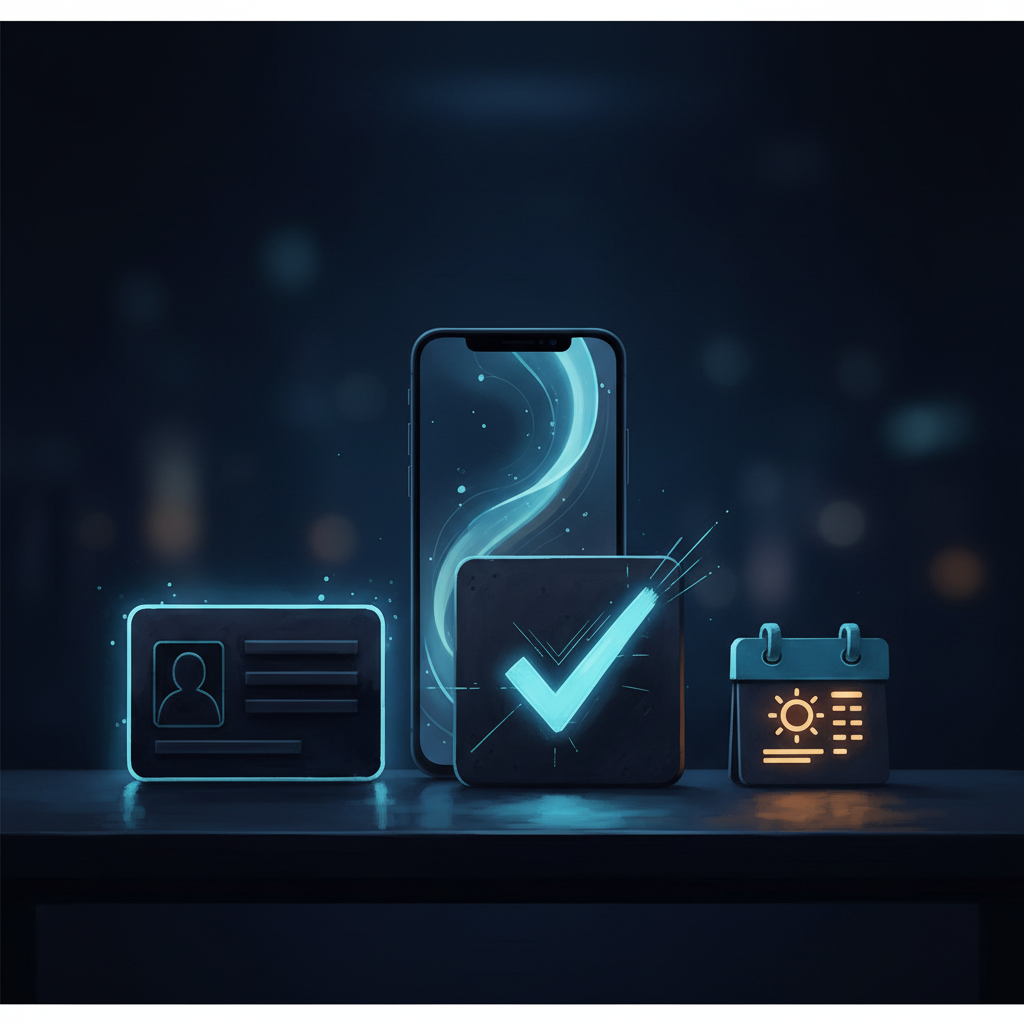
There are two main reasons. First, unlimited simultaneous connections mean you can protect every smartphone and computer in your household without extra fees. Second, Surfshark has earned top ratings from AV-TEST for both protection performance and usability, making it easy to operate even without specialized technical knowledge.
On the other hand, the following users might find better alternatives:
- Users demanding maximum speed: Performance can vary depending on server load; if consistent top-tier speed is critical, NordVPN may be a stronger candidate.
- Users requiring stable connections in China: ExpressVPN is generally regarded as more reliable for connectivity within China.
- Users who require Japanese-language support: While support is available, responses may primarily be in English depending on circumstances; those needing fully localized Japanese assistance should proceed with caution.
We also want to address common concerns raised by readers. Worried about aggressive sales tactics? Surfshark offers a full refund within 30 days, no questions asked, and cancellations can be completed directly through your account dashboard. Just note that simply deleting the app does not cancel your subscription; as long as you follow proper cancellation steps, unexpected charges are unlikely. Wondering whether it truly functions as effective security software? The answer lies in its AV-TEST certification and perfect 6/6 protection score. Core defenses like real-time protection and Web Shield are robustly implemented.
Ultimately, what convinced Mr. Tanaka was this very sense of "try-it-with-confidence." With a 30-day money-back guarantee, you can test the software in your own environment and request a refund if it doesn't meet your needs. That peace of mind is exactly what tipped the scales for him.
How to Get Started: From Sign-Up to Activation
Getting started with Surfshark Antivirus is surprisingly simple. Let's walk through the specific steps based on Mr. Tanaka's experience.
Step 1: Choose a Plan on the Official Website First, visit the official website and select either the Surfshark One or One+ plan. Since longer-term plans offer lower monthly costs, many users opt for the two-year plan. With a 30-day money-back guarantee included, it's practical to start by subscribing to a long-term plan.
Step 2: Create an Account and Enter Payment Details Create an account using your email address and password, then complete the payment via credit card, PayPal, or other available methods. Your service will be activated immediately upon successful payment.
Step 3: Download and Install the App Apps are available for Windows, macOS, Android, and iOS. Simply download the version compatible with your device and follow the on-screen instructions to install it.
Step 4: Log In to the App and Enable Antivirus Protection Once you log in with your newly created account, real-time protection starts automatically. No additional configuration is typically required; protection begins working immediately after installation.
Step 5: Run Scans as Needed Quick scans, full scans, and custom scans are available, including the ability to check external storage devices. If you have concerns about specific files, you can manually run a scan to verify their safety.
Step 6: Request a Refund Within 30 Days If Unsatisfied If the service doesn't meet your expectations for any reason, initiate cancellation from your account dashboard and request a refund via live chat. Simply deleting the app does not cancel your subscription, so it is crucial to complete the cancellation process directly within your account.
Summary: Try It Risk-Free for 30 Days
Surfshark Antivirus combines VPN and device protection into a single service, offering unlimited simultaneous connections and a 30-day money-back guarantee. It has earned third-party validation through AV-TEST certification and stands out for its ease of use and cost-effectiveness. While there are some areas for improvement regarding speed stability and Japanese-language support, the money-back guarantee allows you to test it in your own environment before making a final decision.
Mr. Tanaka, who had concerns about public Wi-Fi security, was encouraged by this "try first" approach and decided to subscribe. The peace of mind that comes from protecting all family devices without dealing with complex settings can also help restore focus to your daily work.
Please note that using a VPN requires compliance with each service's terms of use and the laws of every country involved. Additionally, while a VPN is a tool designed to enhance communication privacy, it does not guarantee "complete anonymity" or "absolute safety." With this understanding, why not take advantage of the 30-day money-back guarantee to see if it suits your needs, entirely without financial risk?
Methodology and Disclosures
Verification Method: This article was created based on public information verified as of August 4, 2026. Our editorial team has not actually contracted or used the services discussed. The explanations provided are based on public sources, including official websites, third-party reviews, and user feedback. Since service details, fees, and campaigns are subject to change, please always verify the latest information on the official website before applying.
Operator Information: Our editorial policy and evaluation criteria are detailed in our Editorial Policy, and our verification procedures are outlined in our Evaluation Methodology. If you identify any errors in the content, please report them via our contact form.
Affiliate Disclosure: This article contains affiliate links, through which we may earn a commission at no additional cost to you. These commissions do not influence our evaluations or ratings.
Frequently Asked Questions
Does Surfshark Antivirus offer a free trial?
There is no free trial period, but it comes with a 30-day money-back guarantee for a full refund no matter the reason. By choosing a long-term plan, you can effectively try it risk-free.
Is it easy to cancel and get a refund?
Yes, the 30-day money-back guarantee lets you request a refund through the official website for any reason. You get a full refund, so there is no initial risk.
Can I use the VPN and antivirus separately?
With the Surfshark One plan, VPN and antivirus are integrated but each feature can be turned on or off individually. You can use them as needed.
Which devices are supported?
It supports Windows 11, macOS Ventura, Android 13, and iOS 16. Simultaneous connections are unlimited, so you can protect your family's smartphones and computers all at once.
How much does it slow down internet speed?
The article does not provide specific speed reduction numbers, but using a VPN typically reduces speed compared to a direct connection. However, the unlimited connection design makes it convenient to use.
Is Japanese support available?
The article does not specify whether Japanese support is offered. We recommend checking the official website for the latest support information.
Can I use it alongside other security software?
The article does not address compatibility. Generally, running multiple antivirus programs simultaneously can cause conflicts, so caution is advised.
What is the difference between Surfshark One and One+?
One includes VPN, antivirus, alerts, and search features. One+ adds identity theft coverage (up to $1 million, conditions apply) and the Incogni data removal service.
Sources
This article is based on publicly available information as of 2026-08-04.
Related articles
XM Review 2026: Video Walkthrough, Spreads & Bonus Terms Explained
XM review 2026 with full video walkthrough. Regulated broker, spreads from 0.6 pips, no-deposit bonus explained. ✓ Verdict for beginners ✓ Risk disclosure ✓
Measured broker spreads 2026-W41 — logged hourly from our own MT5 accounts
Not a copy of published spread tables: 184,090 hourly bid/ask samples taken on our own accounts (HF Markets (SV) Ltd. / OANDA Corporation / XM) over 2026-09-27 → 2026-10-04, broken down by pair and by hour of day.
Fujitsu vs KDDI AccelWaves vs SCS: Enterprise Security 2026 Guide
Compare Fujitsu MSS, KDDI AccelWaves SASE, and SCS certification for Japanese enterprises. Find the right fit with our 2026 decision guide ✓