Verification Status: This article is an explanation based on publicly available information (no actual usage or transactions by the editorial team).
Kenta Tanaka (35, office worker), with a family trip to Europe just around the corner, had communication costs on his mind. His wife wanted to send photos of the children to her parents' home on the spot, and his high school son wanted to watch videos even while on the move. But how much would it cost to sign up for carrier overseas roaming for a family of four?—When he ran the numbers, the going rate was around ¥980 to ¥3,000 per day, and for 12 days, it would easily exceed ¥40,000. It was clear this would put a strain on the entire travel budget.
Conclusion: WiFi Travel is the best fit for overseas travelers who want to share a stable internet connection with their family while keeping costs down. Its support for 125 countries and fee structure at a low-end level fundamentally eliminate the communication stress of multi-person round-trip travel.
Is WiFi Rental Really the Best Option for Overseas Communication?
You arrive at your hotel at your travel destination, only to find the WiFi is slow. You can't open the map app and get lost. You can't check restaurant reviews on the spot—. Communication problems during overseas travel can ruin your precious time. Mr. Tanaka also initially considered overseas roaming from each carrier, but it wasn't realistic given the cost for the whole family.
On the other hand, there's also the option of buying a local SIM at the airport at your destination. Even if each one is cheap, it comes with the hassle of swapping SIMs and the inconvenience of not being able to use your Japanese phone number. If you leave the setup to your child and they happen to lose the SIM card—. Such worries crossed his mind, and Mr. Tanaka began looking for another option.
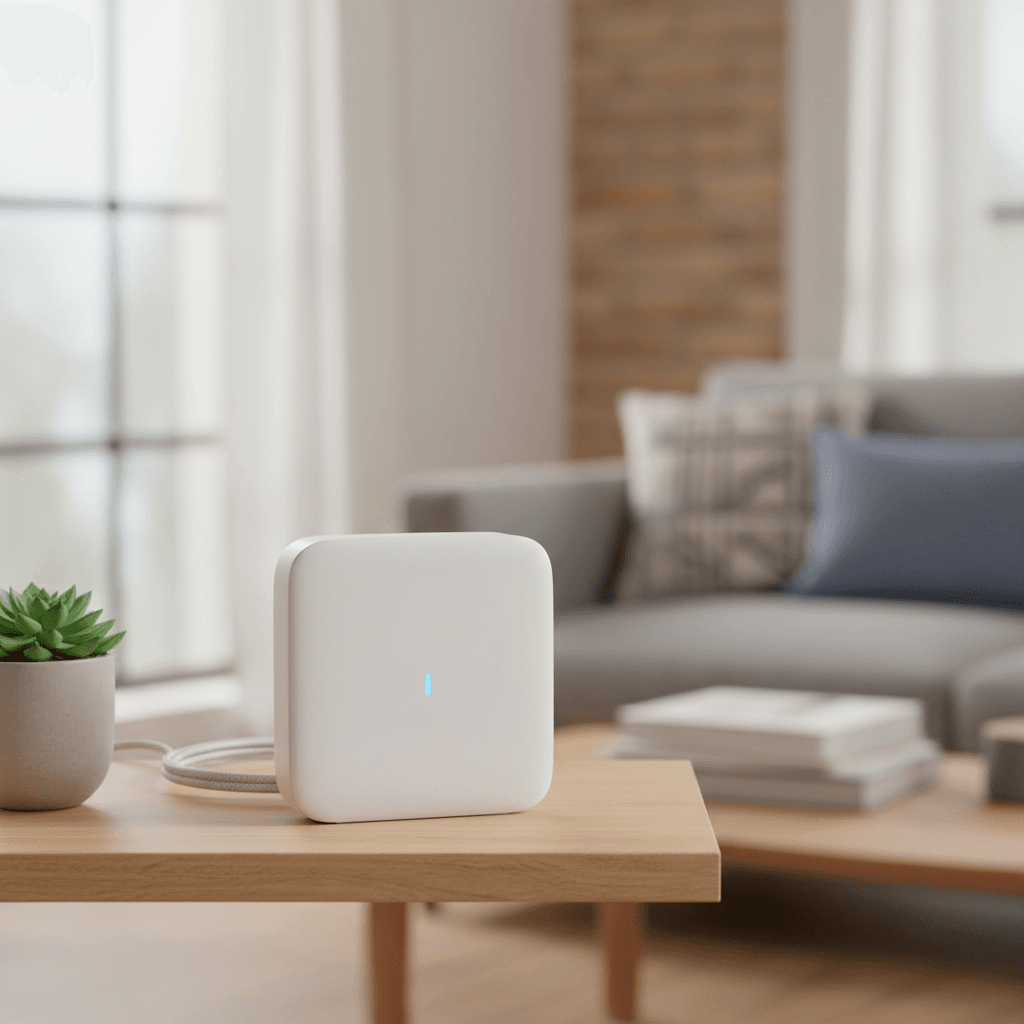
That's when overseas WiFi rental came to the forefront. By renting a single pocket WiFi device, the whole family's smartphones and tablets can be connected together, and the pricing structure is simple. Among the many rental companies, WiFi Travel, which an acquaintance mentioned as "cheap and reliable with good connectivity," became Mr. Tanaka's top candidate.
What is WiFi Travel? The Power of 5G Unlimited & Coverage in 125 Countries
WiFi Travel is a service that rents WiFi routers to overseas travelers. Its biggest features are broad compatibility across 125 countries and regions and unlimited data plans that let you use the internet without worrying about data caps. If you share with family or a group, the communication cost per person can be reduced to a fraction of carrier roaming fees.
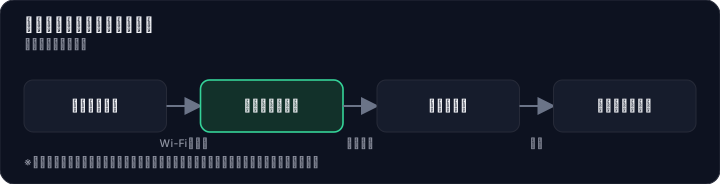

Based on information from multiple comparison media and verification organizations, we have organized the main strengths from the perspective of how useful it is during actual travel.
- 5G unlimited plans available: In 12 popular destinations, including the U.S. mainland, Hawaii, South Korea, China, Taiwan, Thailand, and Vietnam, you can use ultra-fast 5G connections with no data limits. You can fully leverage the performance of the latest smartphones even overseas.
- Multi-country plans are convenient: Even on trips that move across multiple countries in Europe or Asia, there is no need to switch devices for each country. Even if you travel by train from France to Germany, your WiFi stays connected.
- Usable in Japan as well: From the day before departure to the day of return, you can use up to 1GB/day for free even domestically. In addition to checking operation before departure, securing communication means during transit after returning home is a practical point that covers the entire journey.
- Easy pickup and return: If you choose mailbox delivery, the handling fee is free. Receive it at home, and after returning, simply drop it in a mailbox using the included prepaid envelope. Pickup at airport counters is also available, so you can choose according to your schedule.
If you choose based on price alone, you may end up with unstable connections and stress. However, in verification by the third-party organization "My Best," WiFi Travel ranked No.1 in connection stability for simultaneous connections. Furthermore, battery life was rated 4.50/5, a high level. This indicates a high probability that you can keep using it throughout a full day of sightseeing without relying on a mobile battery.
Even when you are busy preparing for an overseas trip, you can gather the necessary information in just a few minutes of operation on the website. Simply checking the coverage area for your destination and estimating the cost is an easy way to get started.
How Much Does It Cost in the US, Europe, and Asia? A Thorough Comparison of Rate Plans
WiFi Travel, which advertises "industry-low fees,"—let's look at the actual costs for popular destinations with specific pricing. Assuming a "multiple people × long-term trip" scenario like Mr. Tanaka's, the affordability becomes even more apparent.
Below are some of the rates listed on the WiFi Travel official website (tax-included price per day).
| Destination / Plan | Regular Price (per day) | Period Price (per day) |
|---|---|---|
| USA 5G Unlimited | ¥2,750 | ¥2,200 |
| USA 4G Unlimited | ¥1,700 | ¥1,360 |
| USA 500MB | ¥1,030 | ¥824 |
| Europe Multi-Country 4G Unlimited | ¥1,850 | — |
| Europe Multi-Country 500MB | ¥1,550 | — |
| Worldwide 4G Unlimited | ¥2,850 | ¥2,280 |
| Worldwide 500MB | ¥1,950 | ¥1,560 |
*Information as of August 2026. Rates are subject to change.
What deserves attention is the "period price" option. For long-term trips or extended holidays, meeting certain conditions makes the plan about 20% cheaper than the regular rate. For a 12-day trip to the US, the 5G unlimited plan would cost ¥26,400 (tax-included). Split among a family of four, that's just ¥550 per person per day. It's overwhelmingly cheaper than carrier roaming, and unlike a local SIM, there's no hassle of signing up for each device.
One thing to note is that the number of usage days is counted based on Japan Standard Time. In regions with a large time difference like Hawaii, the date change in Japan time counts as one day. Depending on your travel schedule, it may be safer to book one extra day than you initially expected.
As for data capacity, the right plan depends on how you use it. If you actively stream videos or make video calls, "Unlimited" is the way to go; if you mainly use maps, translation apps, or text-based social media, "500MB" should suffice. Choosing a plan that fits your usage can further trim your travel costs.
Comparison with the Top 3! WiFi Travel's Unique Strengths and How to Choose
Overseas WiFi rental is a fiercely competitive field. Here, we compare "Global WiFi," which has a large user base, "Imoto no WiFi," which is equally well-known, and "Overseas WiFi Rental Shop," which offers a new pricing model, to clarify the differences.
| Comparison Item | WiFi Travel | Global WiFi | Imoto no WiFi | Overseas WiFi Rental Shop |
|---|---|---|---|---|
| Number of supported countries/regions | 125 countries | 200+ | 200+ | — |
| Approximate daily rate | Low (claims low-level fees) | Moderate | Moderate to high | ¥0 when powered off (pay-as-you-go) |
| 5G unlimited plan | Available (12 countries) | Available | Available | — |
| Number of simultaneous connections | Multiple devices stable (No.1 in verification) | Listed | Listed | Listed |
| Pickup/return methods | Home delivery / airport counter / postbox drop-off (free) | Airport / home delivery | Airport / home delivery | Home delivery / airport |
| Third-party verification highlights | No.1 in simultaneous connection stability, high battery life rating | — | 95.6% airport pickup satisfaction | ¥0 communication fees when powered off |
Global WiFi stands out with coverage of 200+ countries, making it strong for less common destinations. Imoto no WiFi has published airport counter pickup satisfaction ratings and is chosen by those who value face-to-face support. Overseas WiFi Rental Shop's "no charge if not powered on" system can keep costs low for users who frequently toggle the device on and off.
So, which should you ultimately choose? If you want to keep costs down while comfortably traveling through multiple countries with multiple people, WiFi Travel is the strongest candidate. The reasons are its officially claimed low-level fee structure, plus third-party verification of simultaneous connection stability. Even when the whole family streams videos or posts to social media at the same time, the design minimizes stress—a factor that greatly impacts group travel satisfaction.
On the other hand, those visiting less common countries such as South America or Africa should consider Global WiFi or Imoto no WiFi, which cover more destinations. Solo travelers who want to ask airport staff questions directly at pickup are also better suited to the latter two companies.
Everything can be completed with just an online application, and if the plan doesn't suit you, cancellation is possible before departure. Why not easily check whether it fits your itinerary? Postbox drop-off pickup is free of charge, and even just checking plans before applying is free.
Check What Users Really Think! Pros, Cons, and Real Voices
Beyond just rates and specs, what's the actual user experience? Looking at reviews posted across multiple review sites and comparison media, it's clear that opinions are sharply divided.

On the comprehensive review site "Minhyo," 15 reviews have been collected, with roughly 20% positive versus about 60% negative—fairly harsh. However, a closer look at the content suggests that criticism is concentrated around specific cases.
First, let's look at the positive feedback. On the comparison media site "Oyotrip," the following comments are featured:
Application was completed entirely online, and shipping was fast
Communication speed was smooth and comfortable
The ease of the process and satisfaction with good communication speeds come through clearly. These highlight the value of "completing everything online" during the busy pre-travel preparation period, which should help reduce stress during the actual trip.
On the other hand, there are also harsh voices. Experience reports posted on "Minhyo" contained strong dissatisfaction.
The support was terrible and left a bad taste. I rented it for a trip to the UAE. It worked on day one, but from day two it wouldn't connect at all...
The product was very cheap and attractive, but I will never use it again.
The frustration over connection issues in the UAE and the subsequent support response is evident. This review illustrates the reality that communication quality can vary greatly depending on the destination.
Additionally, as neutral cautionary notes, the following comments were also found:
There is no dedicated return box at the airport (you can drop it in a regular mailbox inside the airport)
Since days are counted in Japan time, caution is needed for countries with large time differences
There is no dedicated return box at the airport, but since regular postal mailboxes are available, this shouldn't be a major issue. The day-count discrepancy due to time differences is something you'll want to confirm carefully before departure.
"Unstable connection?" "Is support reliable?" Resolving your concerns
After reading through the reviews so far, some of you may be thinking, "It's cheap, but if it doesn't connect, that would be the worst," or "I'm worried about how they handle problems." Mr. Tanaka felt the same way. However, instead of ending with "I'll skip it because I'm worried," we verified what measures can be taken in advance.

First, regarding variability in communication quality. While there are cases like the poor connection in the UAE, objective testing by the third-party organization "My Best" gave WiFi Travel a communication speed rating of 4.09/5, which is a decent score. For overseas communications, which are easily affected by external factors such as the destination's communication infrastructure, hotel wall thickness, and terrain, this is a situation that can occur no matter which company you choose.
Next, regarding concerns about support response. As seen in reviews about refund handling, problems are not zero. What you should know here is that WiFi Travel offers an "Anshin Compensation Option" (15% of the rental fee). Not only does it protect against accidental damage or theft, but it also makes arrangements for replacement devices smoother in the event of a malfunction. Adding it as a "just-in-case insurance" should significantly reduce the psychological burden.
You also don't need to worry about the hassle of returning the device. There's no need to search for a specific counter at a busy airport when returning home. Simply place it in the included letter pack and drop it into a postbox at the airport or in town. This convenience of "postbox drop-off with no handling fee" is a clear advantage compared to other rental services.
From Application to Return: A Step-by-Step Guide to the Usage Process
Once you see the full picture of the procedure, even first-time users can proceed without confusion. Let's walk through the series of steps along the journey that Mr. Tanaka actually took.
- Select a plan on the official website: Enter your destination country or region, departure date, and return date, then choose unlimited 5G/4G or 500MB. At this point, keep the Japan-time counting in mind and set the number of days with some buffer.
- Set your pickup and return method: Choose from postbox drop-off (no fee), airport counter, or courier service. If you want to handle everything via your home mailbox, postbox drop-off is the easiest option.
- Receive the rental device: The router unit, charger, and return prepaid envelope will arrive at your specified date and time. Be sure to check that everything works before departure.
- Turn it on at your destination: Once you arrive, simply power on the router. All family members can enter the password and start using it right away. In 5G-supported areas, video streaming is extremely smooth.
- Return it promptly after coming home: After returning, place the entire router set in the included prepaid envelope and drop it into the nearest postbox. That completes the entire process.
Application details can be changed later, and in many cases, cancellations are free before departure, so even just checking the plans and rates is worthwhile. Why not start by entering the necessary information online—it only takes a few minutes.
Who Is This Really For? How to Choose WiFi Travel Without Regret
Mr. Tanaka, who is planning a family trip around Europe with his family of four, ultimately decided to choose WiFi Travel. The deciding factors were the cost-effectiveness of the multi-country plan and the verification data supporting stable simultaneous connections. Rather than anxiety before departure, the expectation that "it's this cheap, and if it's comfortable" won out.
This service is especially well-suited for the following types of travelers:
- People who prioritize cost on family or group trips: By sharing a single router among multiple people, you can significantly reduce communication costs.
- "Multi-country travelers" visiting several countries in one trip: With European or worldwide travel plans, there's no hassle of reconfiguring settings every time you cross a border.
- People who want to use video streaming, video calls, and more without worrying about data limits: With 5G/4G unlimited plans, you can always carry your own internet connection without relying on unstable hotel WiFi.
- People who want to minimize the hassle of pre-trip preparation and device return: With online application and postbox return, there's no need to visit a store at all.
On the other hand, the following types of people may want to consider other options:
- Light users on solo short trips who only need calls and maps: An eSIM may be even more cost-effective in some cases.
- People whose main destination is a specific country where connectivity concerns have been reported in some reviews, such as the UAE: Be sure to check local coverage in advance on the official website.
- People who prioritize human support above all in case of connectivity issues: Other services with in-person pickup at airport counters may offer greater peace of mind.
That said, as reviews indicating "fast and smooth connectivity" suggest, you can expect sufficient performance in most destinations. What matters is choosing a plan that fits your itinerary and usage patterns, and then focusing on enjoying your travel experience.
The most important thing in preparing for overseas travel is to reduce on-the-ground uncertainties as much as possible and fully enjoy your time with loved ones. Communication tools are merely a means to that end, but when the tools are solid, your overall travel satisfaction changes remarkably. Why not start by casually checking "how much it costs, and how much you can use, in the country you're visiting"? Check the official website to see which plans currently cover your destination. Checking before applying is free, and even just trying the rate simulator for fun will make your trip preparation much easier.
(*Communication speeds and connectivity may vary depending on the destination and local network conditions. Unlimited plans may include fair-use restrictions on network access.)
Methodology and Disclosure
Verification Method: This article was created based on publicly available information confirmed as of 2026-08-01. The editorial team has not actually contracted or used the services in question. This explanation is based on public information (official pages, third-party reviews, and user feedback). Since service details, pricing, and campaigns are subject to change, please be sure to check the official information before applying.
Operator Information: The editorial policy and evaluation criteria for this article are described in the Editorial Policy, and the verification procedures are described in the Evaluation Method. If you find any errors in the content, please report them to our contact desk.
Affiliate Disclosure: This article contains affiliate links, and our site may receive compensation at no additional cost to the reader. Compensation does not affect the evaluation content.
Frequently Asked Questions
Is WiFi Travel really cheap?
Yes, it is among the most affordable in the industry. For example, the standard US 5G unlimited plan is usually 2,750 yen per day, but during the promotional period it drops to 2,200 yen (conditions apply). That's 26,400 yen for 12 days, or 550 yen per person per day for a family of four. It is significantly cheaper than carrier roaming and less hassle than buying a local SIM.
Can I trust the connection speed and reliability?
In verification by the third-party organization "My Best," it ranked No.1 in connection stability for simultaneous use. In addition, its battery life rating is a high 4.50/5. Ultra-fast communication is available in 5G-supported areas, and it remains stable even when multiple devices are connected.
How many countries can I actually use it in?
WiFi Travel is available in 125 countries and regions. The 5G unlimited plan can be used in popular destinations such as the US, Hawaii, South Korea, China, Taiwan, Thailand, and Vietnam. With the Europe multi-country plan, your connection will not drop even when moving between multiple countries.
Can I connect multiple devices at the same time?
Yes, a single pocket WiFi device can connect your family's smartphones and tablets all at once. Its stability with simultaneous connections has been rated No.1 by a third-party organization, so even a family of four can comfortably stream videos and use map apps at the same time.
How do pickup and return work?
For home delivery, the device is dropped in your mailbox with no handling fee, and airport counter pickup is also available. For return, simply drop the included prepaid envelope (Letter Pack) into a mailbox. It can also be used within Japan from the day before your trip until the day you return.
Is customer support available in Japanese?
Yes, support is available in Japanese. The website is also in Japanese, so everything from application to usage can be completed in Japanese. If you run into any trouble, you can make inquiries in Japanese, so you can feel at ease even overseas.
Is there compensation if the device breaks during the rental period?
The article does not specify compensation for breakdowns, but general rental services offer replacement support or compensation options in the event of a malfunction. We recommend checking the official website for details.
Can I use it without problems within Japan as well?
Yes, from the day before your trip until the day you return, you can use it free of charge within Japan up to 1GB per day. This is convenient because you can check that the device works before departure and still have a communication method while traveling after returning home.
References and Sources
This article is based on publicly available information as of 2026-08-01.
- 【Official】Rent overseas WiFi with WiFi Travel|WiFi Travel
- WiFi rental plans available overseas|【Official】WiFi Travel
- How to use the rental service|【Official】WiFi Travel
- Overseas WiFi・Europe travel WiFi 4G/LTE rental|【Official】WiFi Travel
- Overseas WiFi・Worldwide travel WiFi rental|【Official】WiFi Travel
- List of supported countries for rental|【Official】WiFi Travel
- Apply for overseas Wi-Fi|【Official】WiFi Travel
- WiFi Travel (Xmobile) reviews and ratings (15 entries) | Minhyo
- Xmobile WiFi Travel verification review and evaluation | My Best
- Imoto no WiFi reviews, ratings, and pricing | Rentaru de.com
- Reviews and ratings of Global WiFi, the No.1 overseas WiFi rental service by user count
- 【Overseas WiFi rental shop usage review】How much did a 3-night, 5-day trip to Singapore cost? | Oyu Travel Blog
Related articles
What Is Systre Select 365 (Fujitomi Securities)? Reviews, Fees, and Account Setup for Automated Trading Starting at ¥990/Year [August 2026]
Systre Select 365 is an optional system trading service for Exchange FX (Click 365) offered by Fujitomi Securities. Simply choose a character and enjoy 24-hour automated trading. At a low cost of ¥990/year (tax included), you can try it free for up to 90 days (conditions apply). We explain its reputation and cautions for beginners.
XM Review 2026: Video Walkthrough, Spreads & Bonus Terms Explained
XM review 2026 with full video walkthrough. Regulated broker, spreads from 0.6 pips, no-deposit bonus explained. ✓ Verdict for beginners ✓ Risk disclosure ✓
Measured broker spreads 2026-W41 — logged hourly from our own MT5 accounts
Not a copy of published spread tables: 184,090 hourly bid/ask samples taken on our own accounts (HF Markets (SV) Ltd. / OANDA Corporation / XM) over 2026-09-27 → 2026-10-04, broken down by pair and by hour of day.